
Most fountain pen skipping traces back to three culprits: a clogged or dried feed, a poorly seated cartridge or converter, or ink that's too dry for the nib. Start with the fastest fixes first. Flush the nib and feed with lukewarm water, firmly reseat your cartridge or converter to clear any air bubbles, and try a wetter ink or different paper. Most pens recover within minutes.
TL;DR:
- Most fountain pen skipping is caused by dried or clogged feeds, which can be remedied by soaking and flushing the nib with lukewarm water.
- Ensuring the cartridge or converter is fully seated and free of air bubbles often resolves flow issues caused by loose seating.
- Using a wetter ink and testing on different paper types helps identify whether dryness or paper quality contributes to skipping.
- Persistent skipping after cleaning and ink swaps may indicate physical damage, such as tine misalignment or a bent nib, requiring professional repair.
- Regular maintenance, including flushing every four to six weeks and keeping spare nibs and wetter inks, prevents most flow issues and ensures smooth writing.
Table of Contents
- Common Causes of Fountain Pen Skipping and How to Spot Them
- How Do You Fix a Fountain Pen That's Skipping?
- How Do You Test and Diagnose Fountain Pen Problems?
- When Should You Stop DIY Fixes and See a Professional?
- A Practical Routine for Keeping Fountain Pens Flowing
- Replacement Nibs, Inks, and Cleaning Kits Worth Keeping on Hand
- Sources
- FAQ
Common Causes of Fountain Pen Skipping and How to Spot Them
Skipping rarely has one cause, but the symptoms usually point you in the right direction. A pen that hard starts every morning but writes fine once warmed up is telling a different story than one that skips mid word no matter what.
Here's what typically drives fountain pen flow issues:
- Dried or clogged feed: Left uncapped or unused for weeks, ink dries inside the feed channels and blocks flow. This is the single most common reason behind fountain pen skipping.
- Manufacturing residue: New pens and new nib units sometimes carry a thin film of oil from assembly, which repels ink until it's cleaned off.
- Ink viscosity mismatches: "Dry" inks (many blues and blacks from certain brands) flow thinner and skip more easily on fine nibs, while "wet" inks lay down more generously and mask minor feed issues.
- Air bubbles or loose seating: A cartridge or converter that isn't pushed in all the way creates a gap, and air pockets interrupt the steady ink column the nib needs.
- Tine misalignment or damage: Even a slightly bent or uneven tine breaks the capillary action that pulls ink to the paper.
- Paper, angle, and pressure: Coated or very smooth paper, writing at too shallow an angle, or pressing too hard can all starve the nib of contact time with the page.
How Do You Fix a Fountain Pen That's Skipping?
Work through these steps in order. Most people solve fountain pen ink flow issues without touching a single tool beyond water and a paper towel.
- Disassemble what you can. Remove the cartridge or converter and separate the nib and feed unit from the barrel if your pen allows it.
- Soak in lukewarm water. Never use hot water, which can warp feeds or loosen adhesives. A 15 to 30 minute soak dissolves most dried ink. For stubborn buildup, add a single drop of mild dish soap to the water.
- Consider diluted pen flush for stubborn cases. A small amount of commercial pen flush added to old, dried ink can loosen it further, though it can shift the ink's color slightly, so use it sparingly and only when plain water isn't cutting it.
- Dry thoroughly. Blot excess water with a paper towel and let the nib unit air dry for a few hours before reassembly. Reassembling wet dilutes your ink and causes new flow problems.
- Reseat the cartridge or converter. Push it in until you feel it click or seat firmly, then gently squeeze or twist the converter to expel any trapped air and prime the feed with a fresh ink column.
- Run verification strokes. Write several lines of loops and cross-hatches on ordinary paper. Consistent, unbroken lines mean you're done.
Pro Tip: Prime a freshly flushed converter by dipping the nib in ink, then gently squeezing and releasing the converter three or four times before you start writing. This pulls ink fully through the feed instead of leaving an air gap at the tip.
If you notice a tine sitting visibly higher than the other, very light finger pressure can sometimes nudge it back into alignment. Stop immediately if you feel resistance or see the metal flex unevenly. Nib work beyond a gentle nudge belongs to a professional.
How Do You Test and Diagnose Fountain Pen Problems?
A short sequence of tests isolates whether you're dealing with the pen, the ink, or your own technique.
- Swap the paper. Write the same line on copy paper, a quality fountain-pen-friendly stock, and a glossy or coated sheet. Testing across different papers quickly separates true ink flow issues from paper related skipping, since absorbent or very smooth stock behaves differently with the same nib.
- Change your angle and pressure. Fountain pens are built to glide, not press. Lower your angle closer to 45 degrees and let the nib's weight do the work.
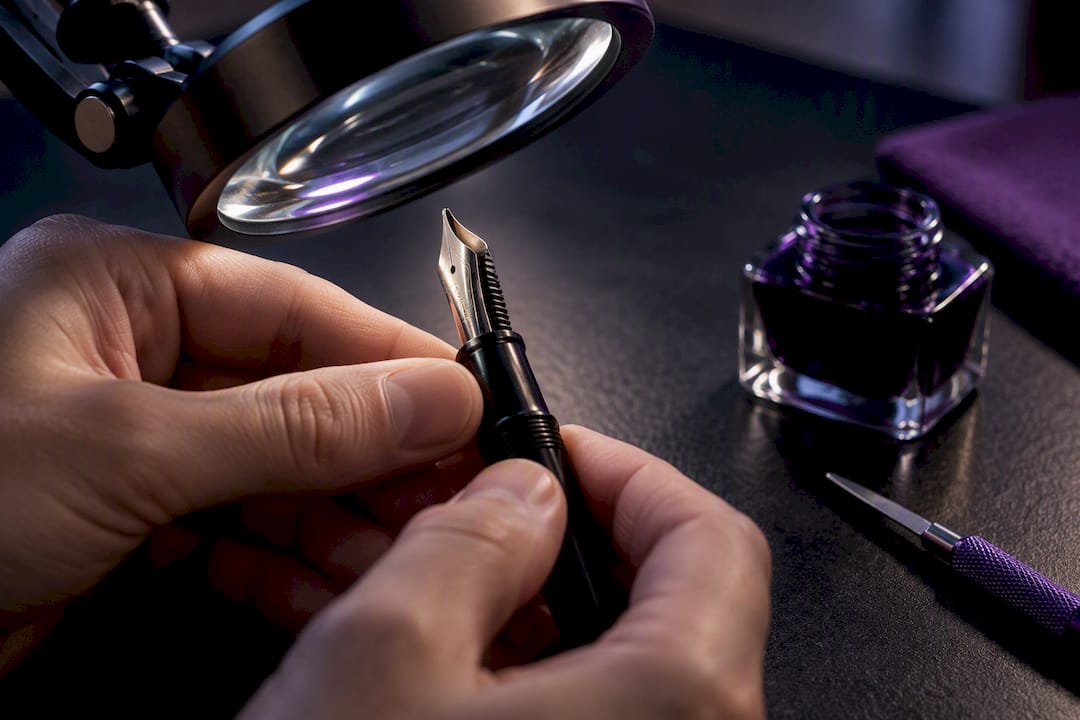
- Inspect under a loupe. A cheap jeweler's loupe reveals dried ink crust, pooling, or a visible gap between tines that the naked eye misses.
- Watch the converter in action. Fill it, then gently squeeze while watching the ink through the barrel. Erratic bubbling or ink that doesn't move steadily signals an air gap or seating problem.
| Symptom | Likely cause | Next action |
|---|---|---|
| Hard start after capping | Dried ink at the tip | Flush and soak |
| Skips mid word randomly | Air bubble or loose seating | Reseat cartridge/converter |
| Skips only on fine details | Ink too dry for nib | Swap to a wetter ink |
| Skips on one side of the line | Tine misalignment | Loupe inspection, gentle realignment |
| Skips regardless of ink or paper | Feed or nib damage | Professional servicing |
When Should You Stop DIY Fixes and See a Professional?
If skipping persists after a full flush and an ink swap, you're likely looking at physical damage rather than residue. Visible tine separation, a bent nib, or a cracked feed all need a specialist's tools, not more soaking. Most skipping problems resolve with cleaning; when they don't, misaligned tines or feed damage are the usual explanation, and a technician should inspect the pen under magnification. Vacuum fillers and other sealed mechanisms sometimes need model-specific handling entirely, so check your manufacturer's own notes before assuming a fix that works on a cartridge pen applies to yours. When you contact a repair service, describe exactly when the skipping happens (which strokes, which inks, how often) rather than just saying "it skips."
A Practical Routine for Keeping Fountain Pens Flowing
Three things get tried first, every time: flush with lukewarm water, reseat the cartridge or converter, and swap to a wetter ink to rule out compatibility. That order solves the overwhelming majority of skipping complaints before any tool touches the nib. If you write daily, flush every four to six weeks even without symptoms. Dried ink builds up quietly long before it becomes a visible problem.
— ADAM
Replacement Nibs, Inks, and Cleaning Kits Worth Keeping on Hand
Sometimes the fastest fix isn't a repair; it's a swap. A wetter ink solves more fountain pen flow issues than most people expect, and a spare nib unit means you're never stuck mid project waiting on a cleaning session to dry. Some vendors curate replacement nib units, ink samples across the wet to dry spectrum, and cleaning kits built specifically for this kind of troubleshooting.

When shopping for a replacement, match nib size to your existing pen, confirm converter compatibility before you buy, and pick an ink labeled wet-flowing if your current one skips on fine details. A dry, scratchy nib paired with a dry ink is a losing combination no amount of flushing will fully cure. Browse replacement nibs and ink samples at Pens-and-pencils and get your pen back to smooth, consistent lines without waiting on a repair queue.
Sources
FAQ
How Do You Fix a Fountain Pen That Skips?
Flush the nib and feed with lukewarm water to clear dried ink, then reseat your cartridge or converter to remove any trapped air. If skipping continues, test with a known wetter ink. Manufacturer troubleshooting notes confirm this sequence resolves most flow problems.
Why Do Fountain Pens Skip?
Skipping usually comes from dried ink blocking the feed, an ink that's too dry for the nib, or a cartridge that isn't fully seated. Physical tine damage causes persistent skipping that cleaning alone won't fix.
What Is Ink Ghosting?
Ink ghosting refers to the shadow or outline of writing visible through the back of a page, not skipping itself, though the two are often confused. It happens with wetter inks on thin or absorbent paper rather than being a pen malfunction.
How Do You Prevent Fountain Pen Skipping?
Write with your pens regularly rather than letting them sit capped for months, and flush the nib and feed every four to six weeks if you write daily. Choosing a wetter ink for fine nibs and storing pens nib up also cuts down on dried ink buildup that leads to skipping.
When Should I Replace a Nib Instead of Cleaning It?
If a full flush and an ink swap don't fix the skipping, and you see a visibly bent or separated tine under a loupe, replacement is usually faster and cheaper than repair. Pens-and-pencils carries replacement nib units sized to match most standard fountain pens.